❗️Important Update: New Password Requirements for Ascender Portals
Posted Date: 03/27/26 (10:32 AM)
Dear Central Heights Parents and Students,
We want to inform you of new security changes to the Ascender Parent Portal and Ascender Student Grade Portal. The software provider, Ascender, has updated their password requirements to enhance account security.
What is changing?
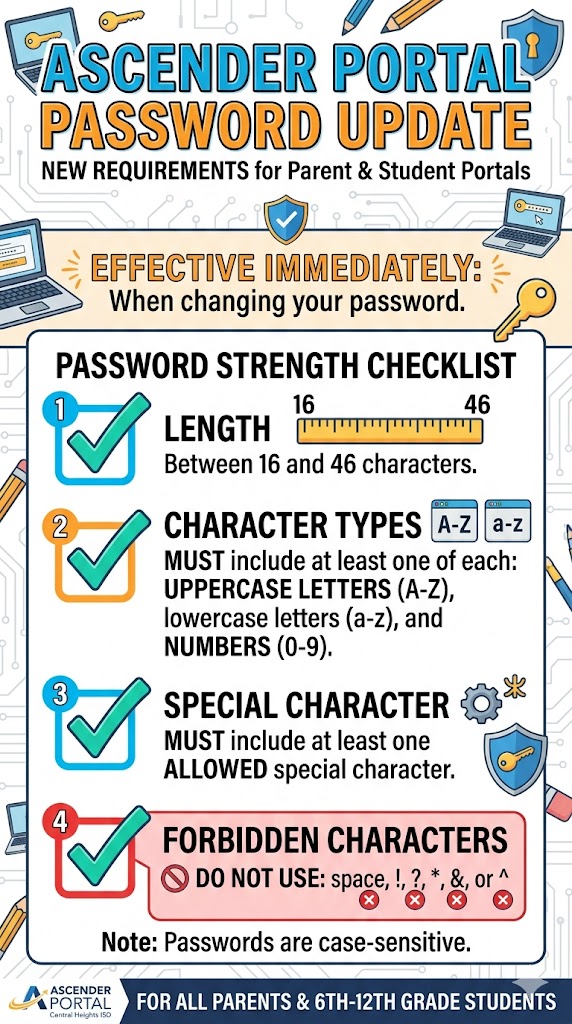
If you are prompted to update your password or if you choose to change it manually, the new guidelines will now go into effect. Please note the following specific requirements for all new passwords:- Length: Between 16 and 46 characters.
-
Must include at least one of each:
- Uppercase letter (A-Z)
- Lowercase letter (a-z)
- Number (0-9)
- At least one allowed special character
- Forbidden characters: Do not use spaces, !, ?, *, &, or ^.
Who does this affect?
- Parents: All parents use the Parent Portal to monitor grades, absences, and tardies, as well as to complete required returning student registration.
- Students: We currently offer the Student Grade Portal for students in 6th through 12th grade.
Thank you for your continued support in keeping our student information secure. If you have any questions, please contact your campus office.